
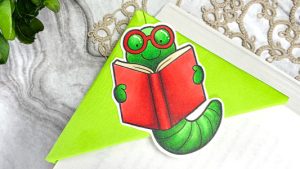

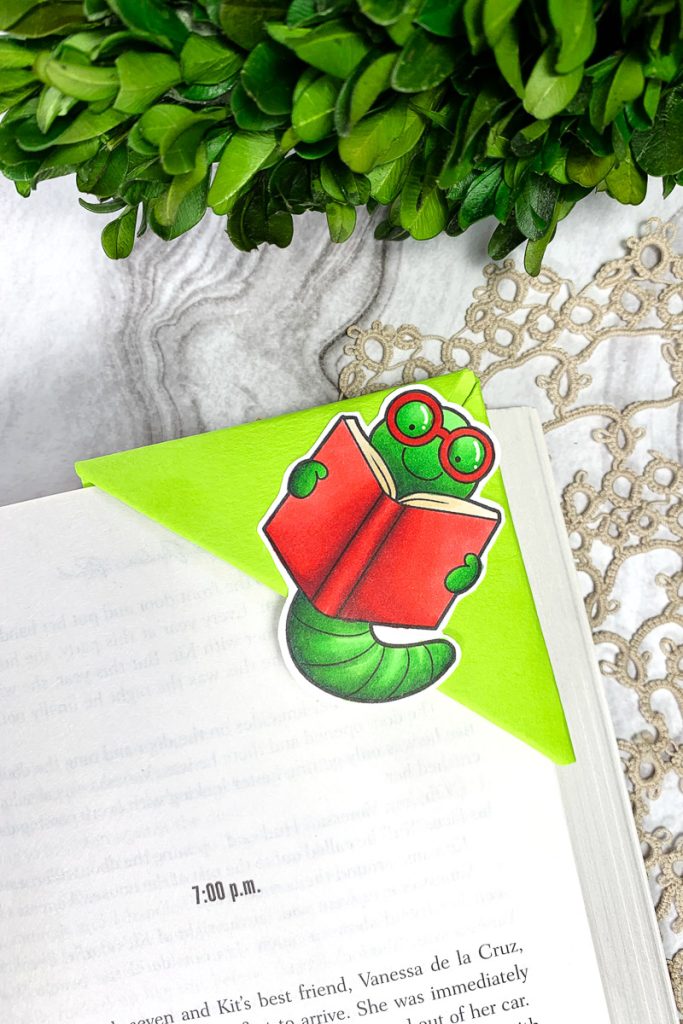
Hello everyone! Sasha here. A practical, yet fun craft that I always enjoy making is bookmarks. As a bookworm myself, I am often in need of a bookmark for whatever book I am currently reading, that is not just some random receipt or piece of paper! So, today, I am sharing how I created this origami corner bookmark using the Bookworms Digital Stamp Set! Plus, with the back-to-school season coming, who doesn’t want an adorable bookmark for their textbooks and school books?
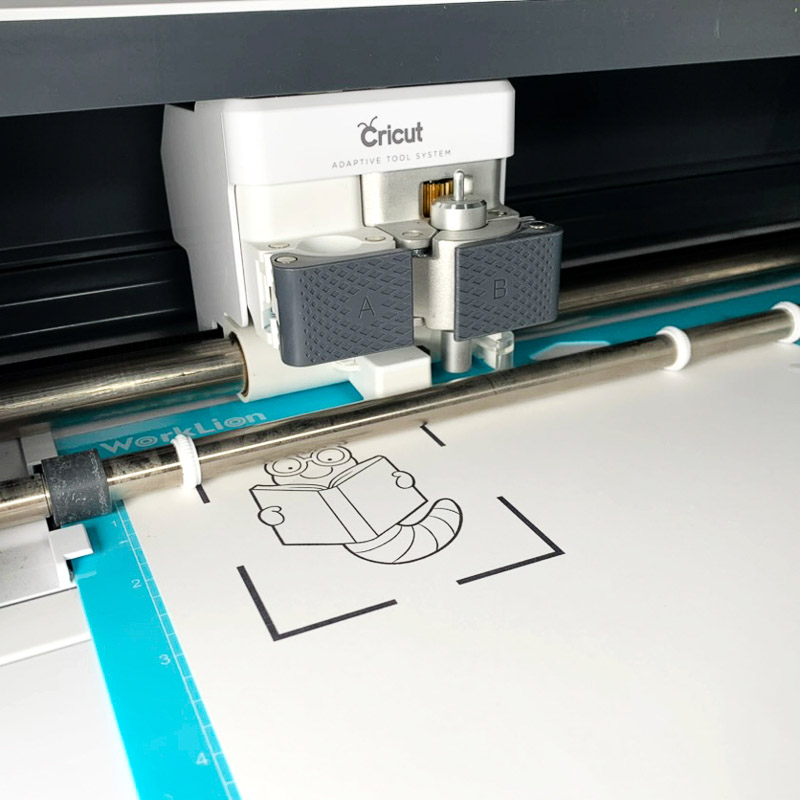
I started by uploading my chosen image – I have decided to use one of the adorable bookworms from the set! – into Cricut Design Space, which will help me to size, print and cut the image for my bookmark. I sized my image to measure approximately 1.8″ by 2.4″. To print and size your images, you can also use any word-processing software, such as Microsoft Office or Google Docs.
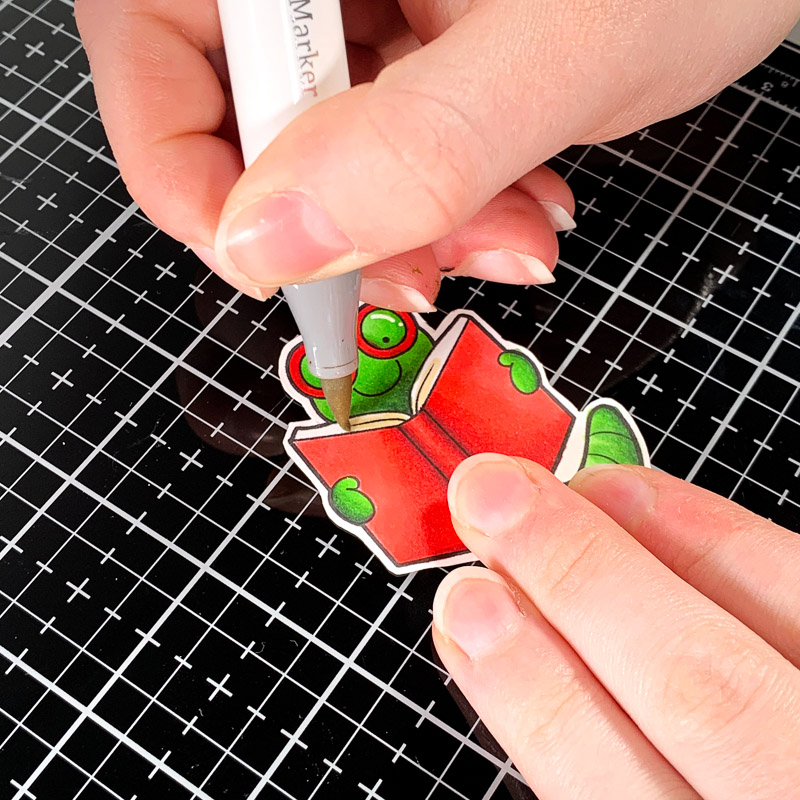
You can use whatever art medium you want to colour your images and decorate your bookmarks. I used the following Ohuhu alcohol markers to colour my little bookworm:
- Worm: G7, G470, G190, G170, G130
- Book and Glasses: R7, R8, R2, R3, R1
- Pages: E210, E280
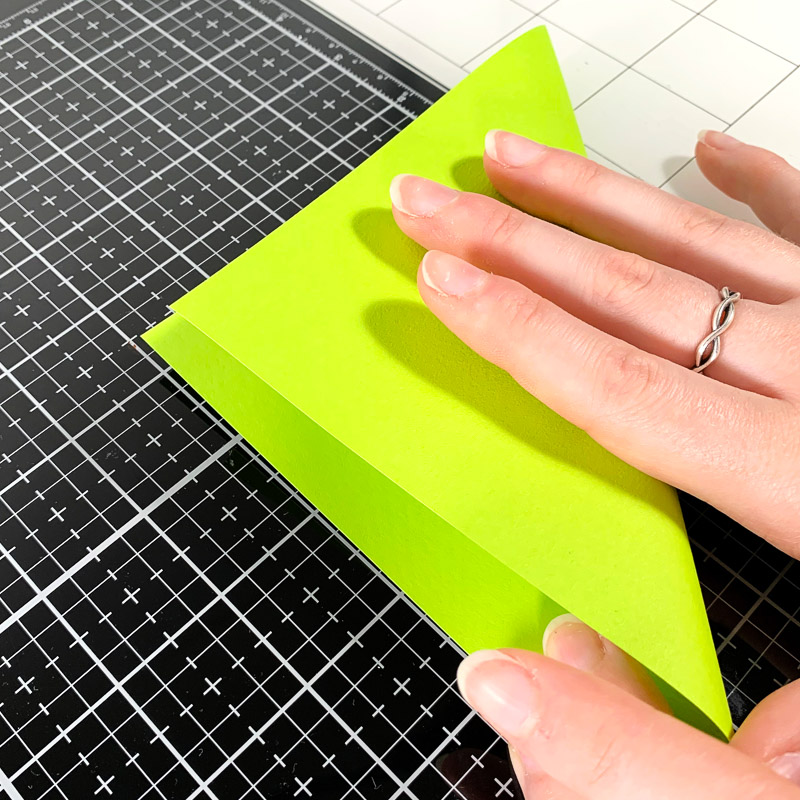
Now, let’s create the bookmark! Start with a square piece of paper or cardstock. I’m using a 6 x 6-inch piece of bright green cardstock to match the colour of my bookworm image.
Fold the square in half diagonally to create a triangle.
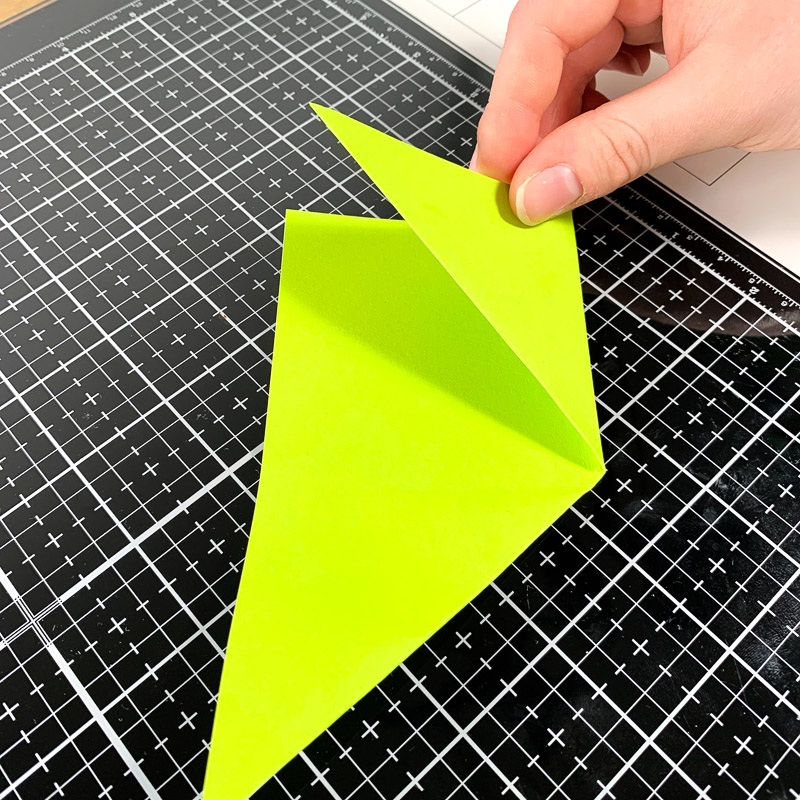
Take the two bottom corners of the triangle and fold them up so the points meet the top corner.
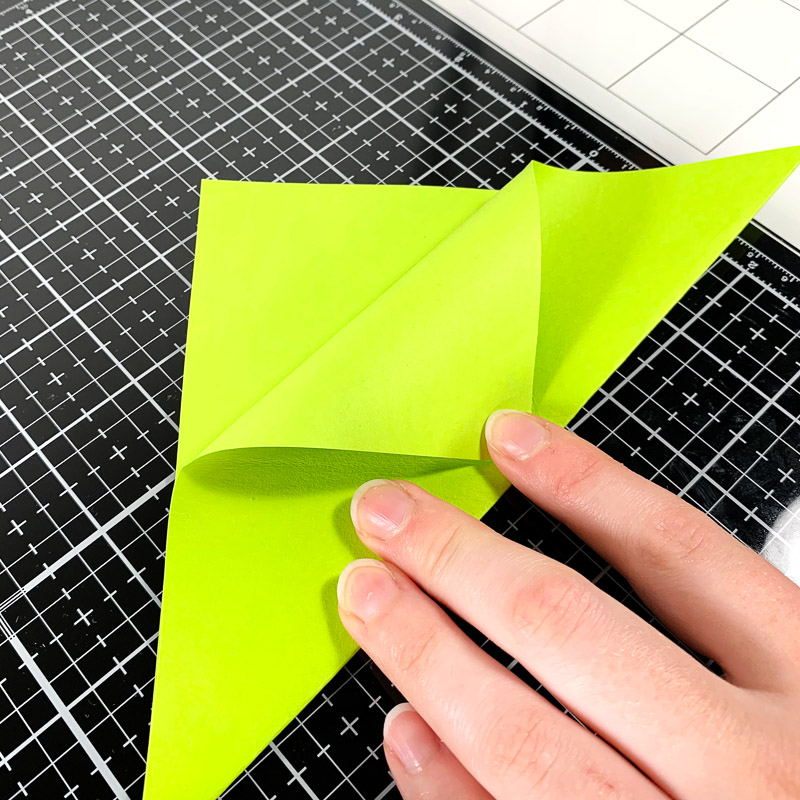
Unfold the two corners we just folded. These crease lines will help guide the next few folds. Take the top point of the triangle (just the front layer) and fold it down toward the flat edge, so the point meets the bottom centre of the triangle.
Finally, fold the two bottom corners up again and tuck the points into the pocket we just created. Press the folds down firmly to keep everything in place.

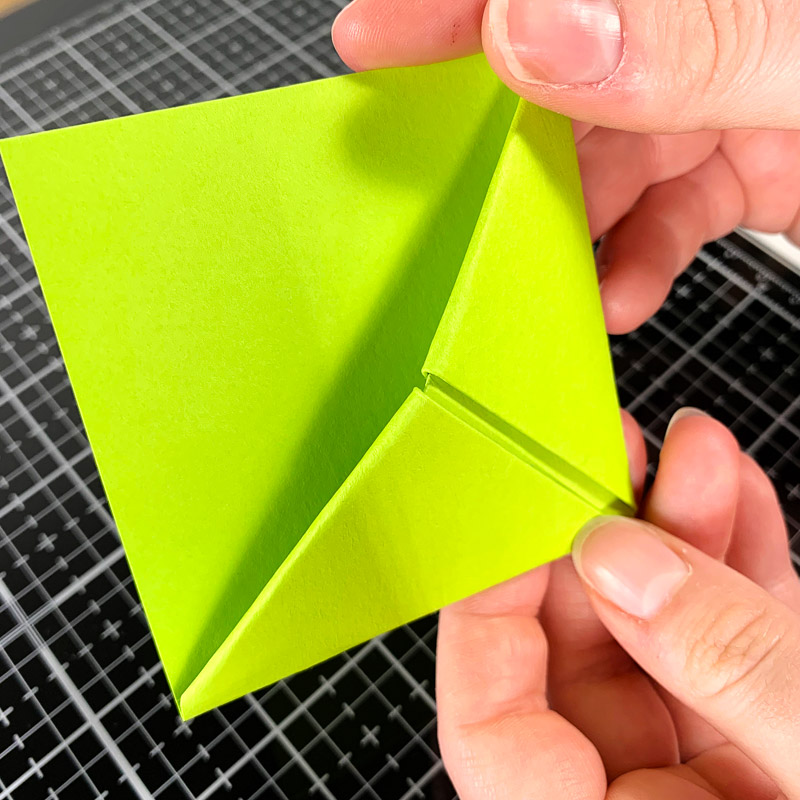
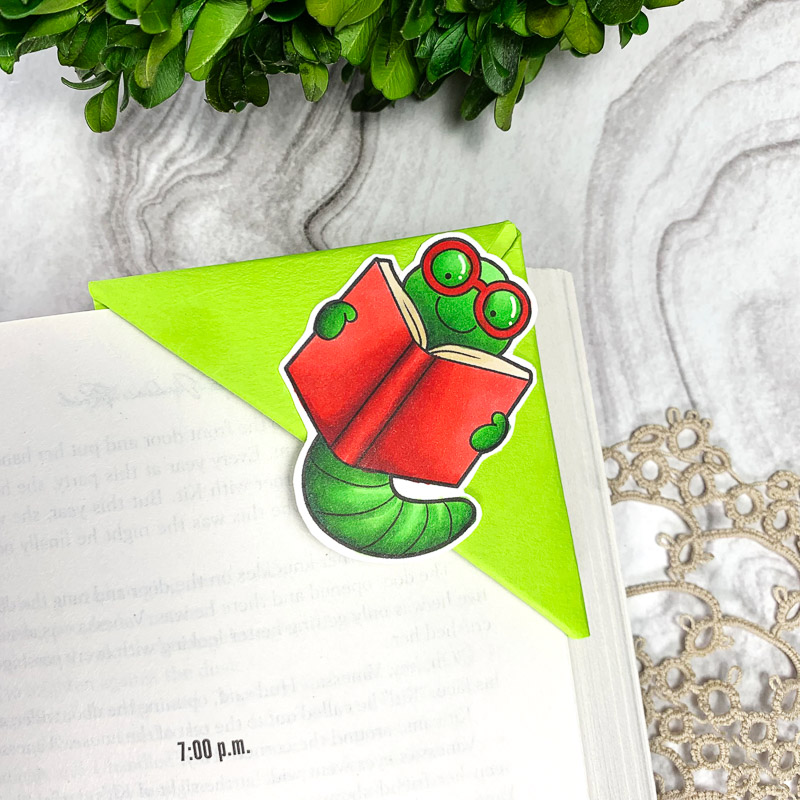
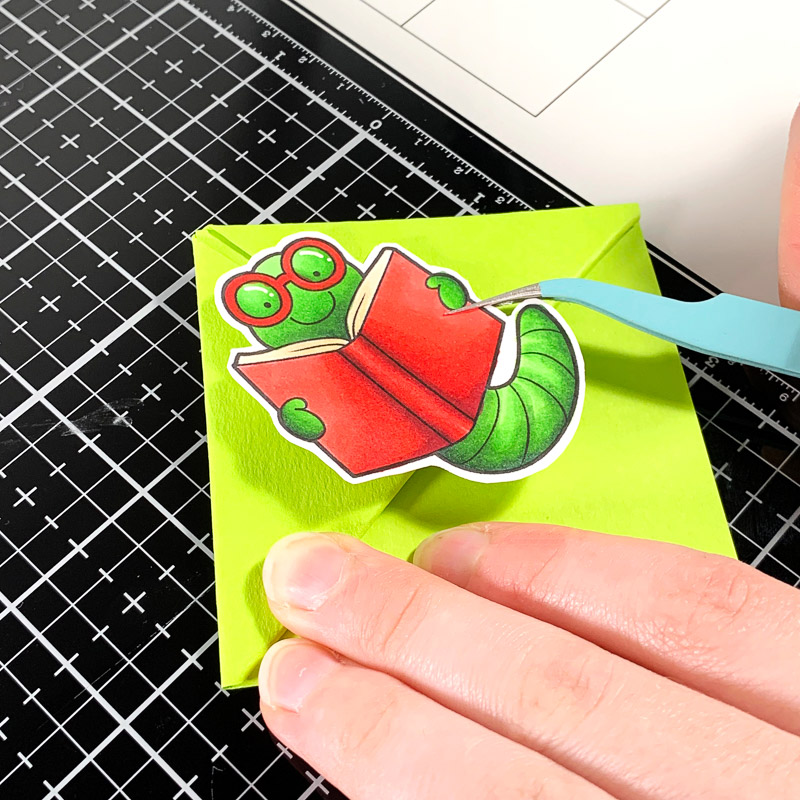
To finish off the project, simply glue the coloured image to the corner bookmark.
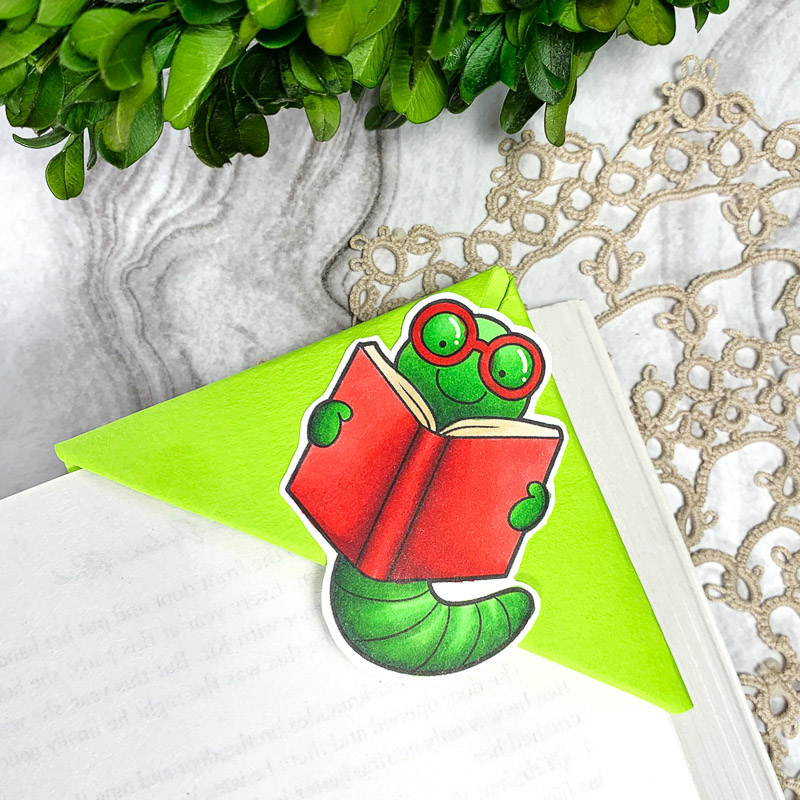
And there you have it! A simple and fun origami corner bookmark that’s perfect for students, teachers, or any fellow book lovers.
Thanks for reading. See you next time!
Sasha
Materials Used:
- Bookworms Digital Stamp Set
- 100lb Hammermill alcohol marker-friendly cardstock
- Printer
- Cricut Cutting Machine
- 6″ x 6″ of cardstock or paper
- Ohuhu alcohol markers
- Liquid adhesive glue


 Betsy’s We All Scream for Ice Cream summer card
Leave a Reply