

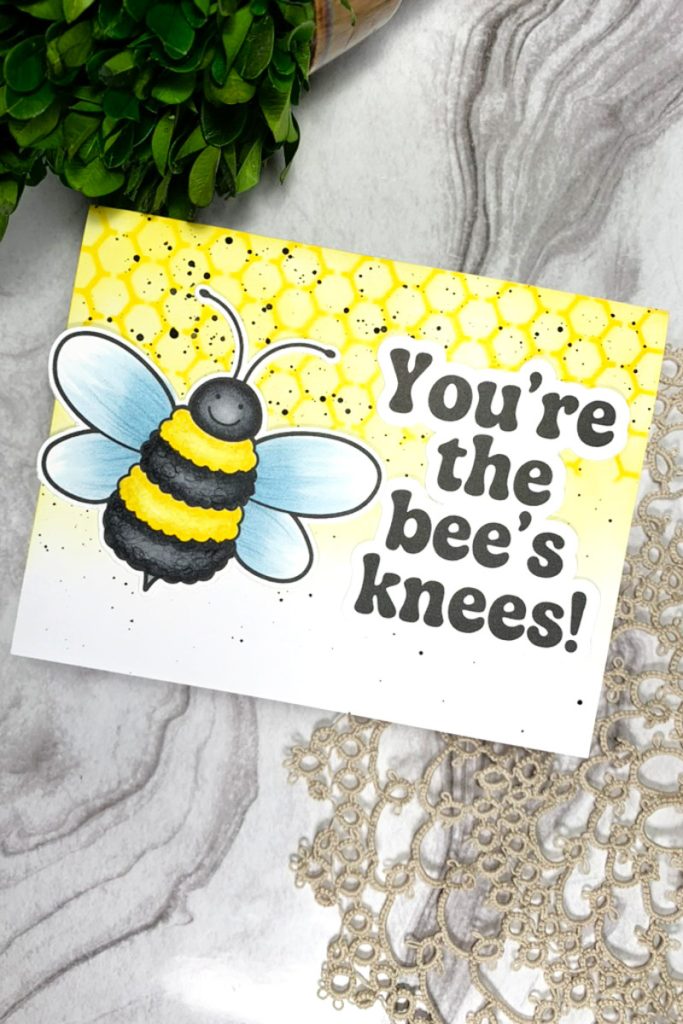
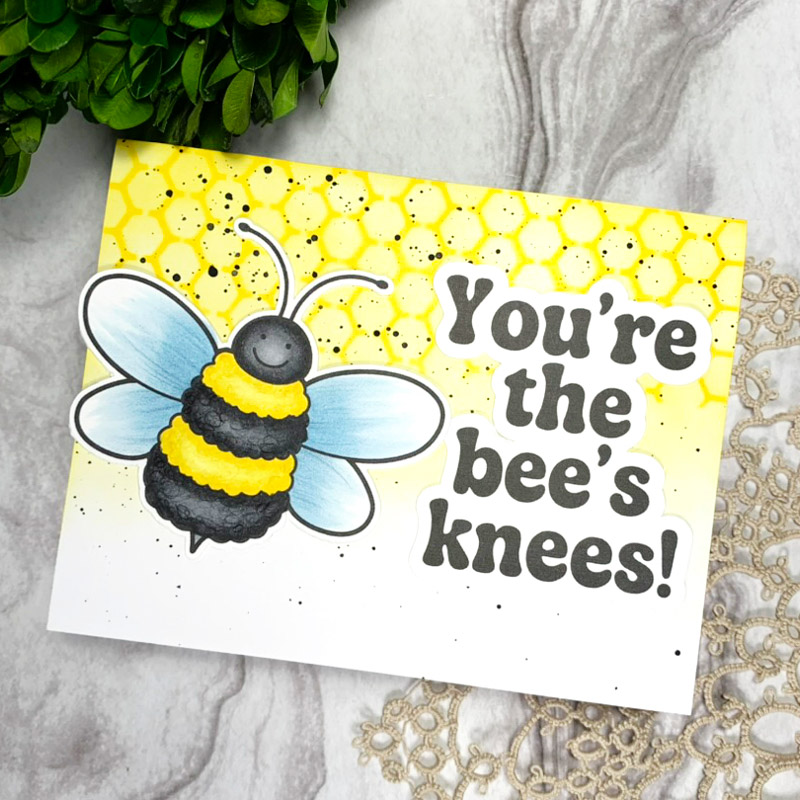
Hello everyone! Sasha here. With warmer weather coming, the bugs are coming back in full swing! So, today I’m sharing a fun little card I made using the Minibeast Parade Digital Stamp Set!
I started by uploading one of the adorable bee images into Cricut Design Space. Once uploaded, I sized the image to fit a US A2-sized card, and then used the print-then-cut feature to get it ready to colour. I also created a funny and punny (my favourite!) matching sentiment in Cricut Design Space to match the theme of my card.
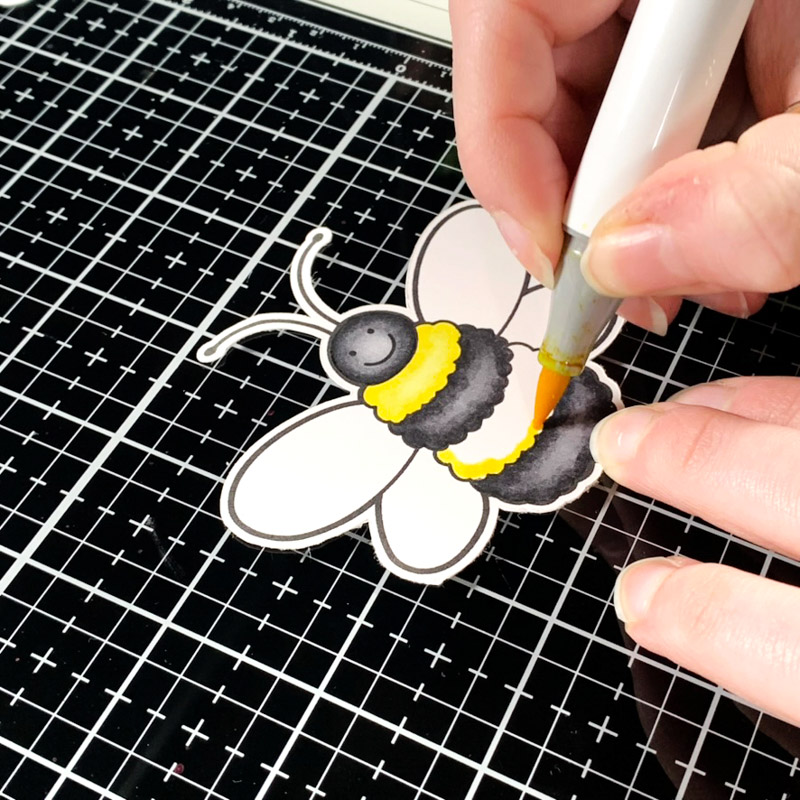
I printed the image onto Hammermill cardstock, an alcohol-marker-friendly cardstock, and then cut it using my Cricut Cutting Machine.
To colour the image, I used the following Ohuhu alcohol markers:
- Yellow: Y070, Y050, Y040
- Black: NG07, NG06, CG050
- Blue: MG030, MG020
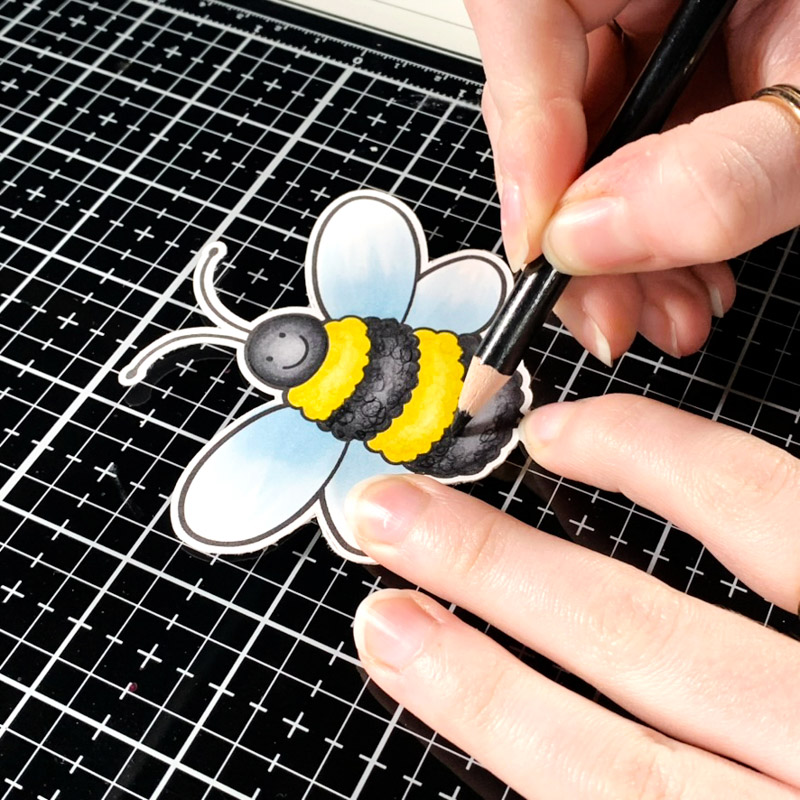
I also used a couple of different coloured pencils to add some additional details to the bee to help it look a bit more like a fluffy bumblebee!
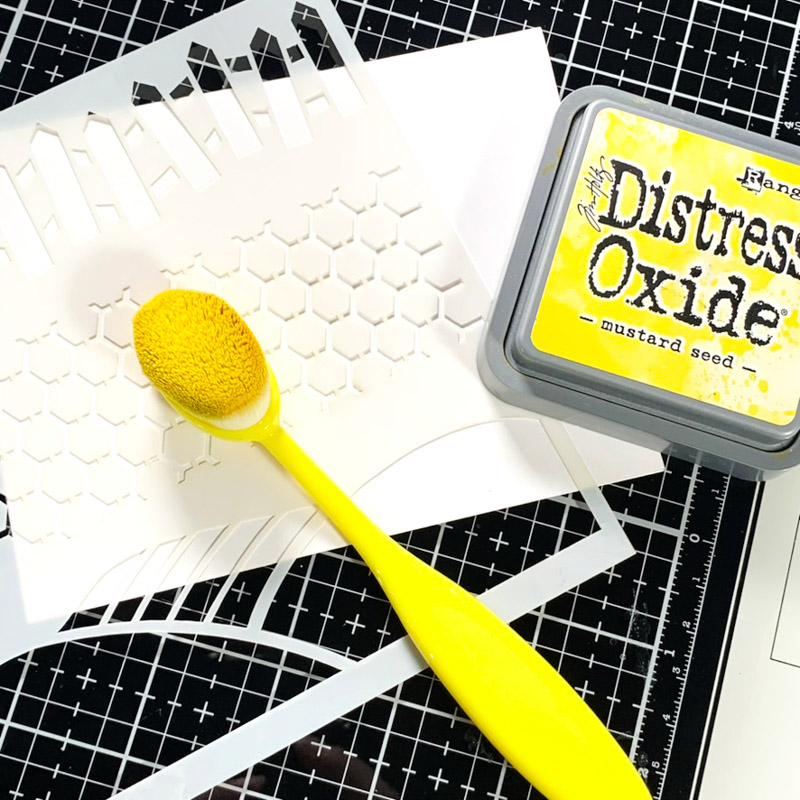
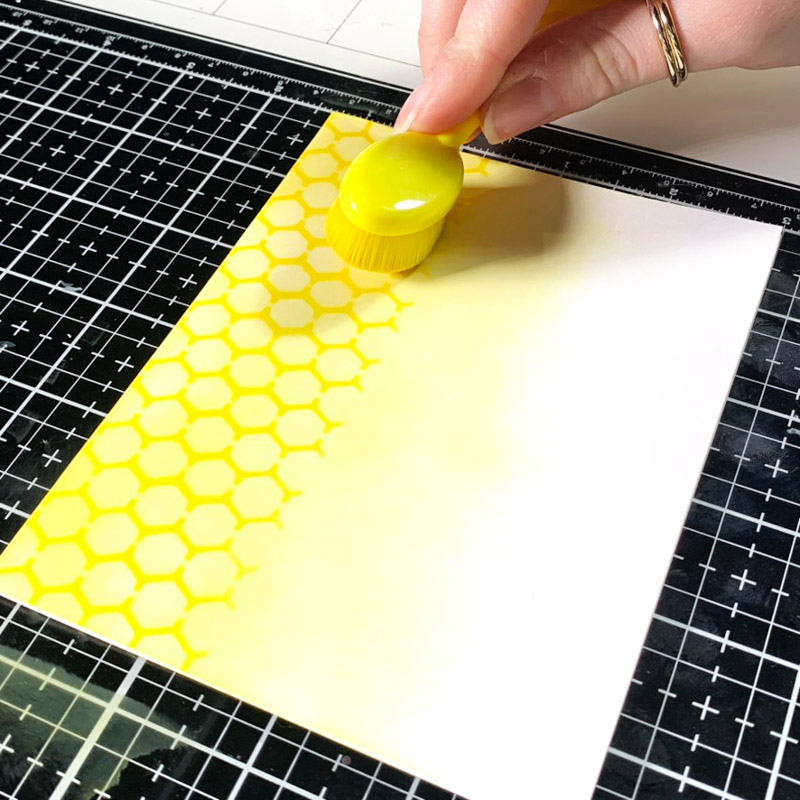
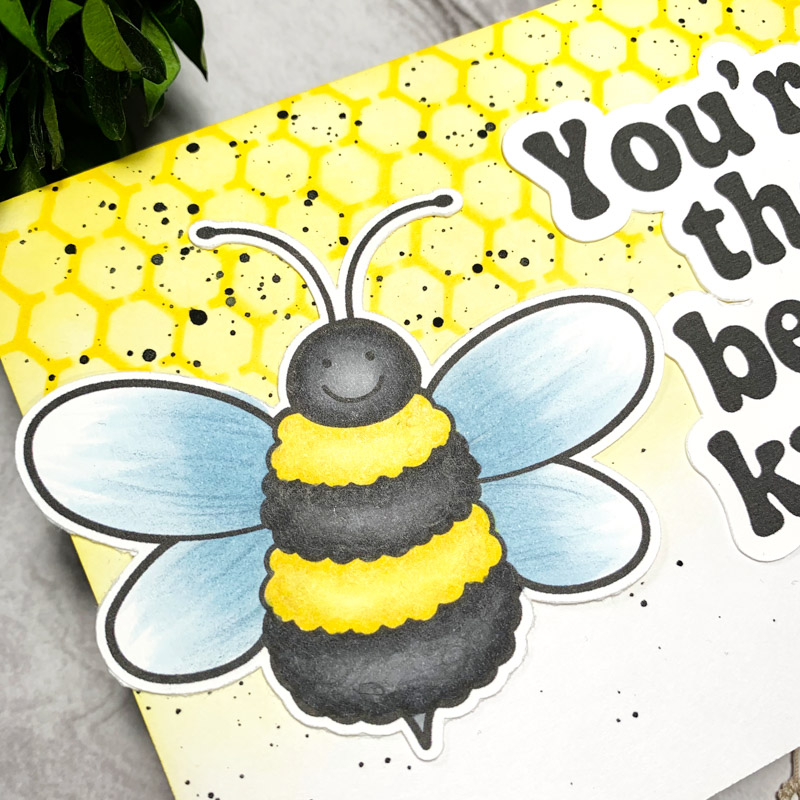
For the background, I wanted to match the bee theme, so I used Mustard Seed Distress Oxide and ink-blended a honeycomb stencil. I ink-blended the stencil at the top of my card base, and then removed it and lightly ink-blended over to create a subtle gradient.
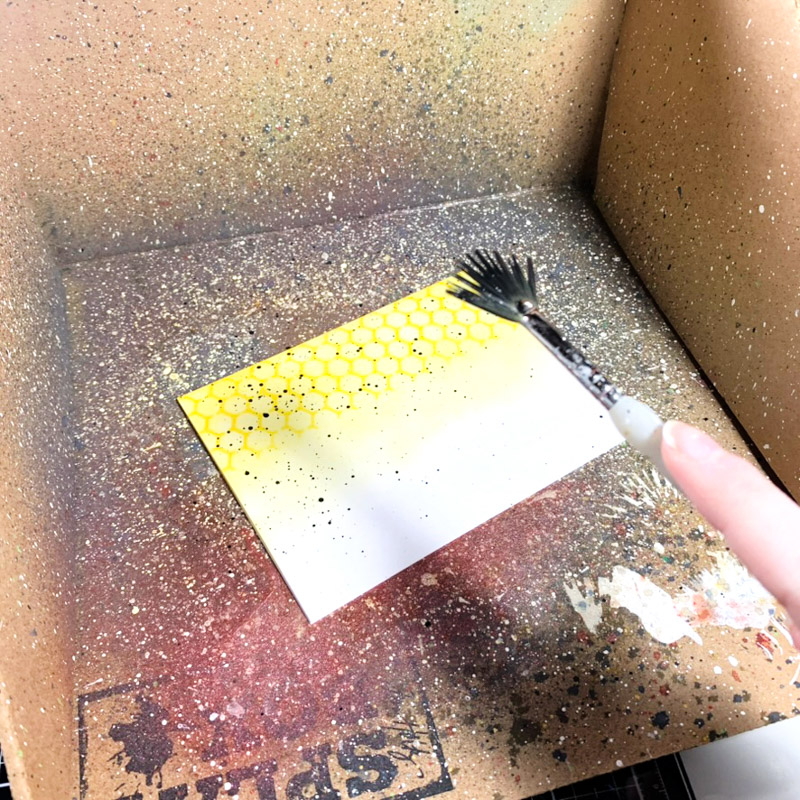
To further match the bee theme, I splattered some watered-down black acrylic paint onto the card to make the background black and yellow!
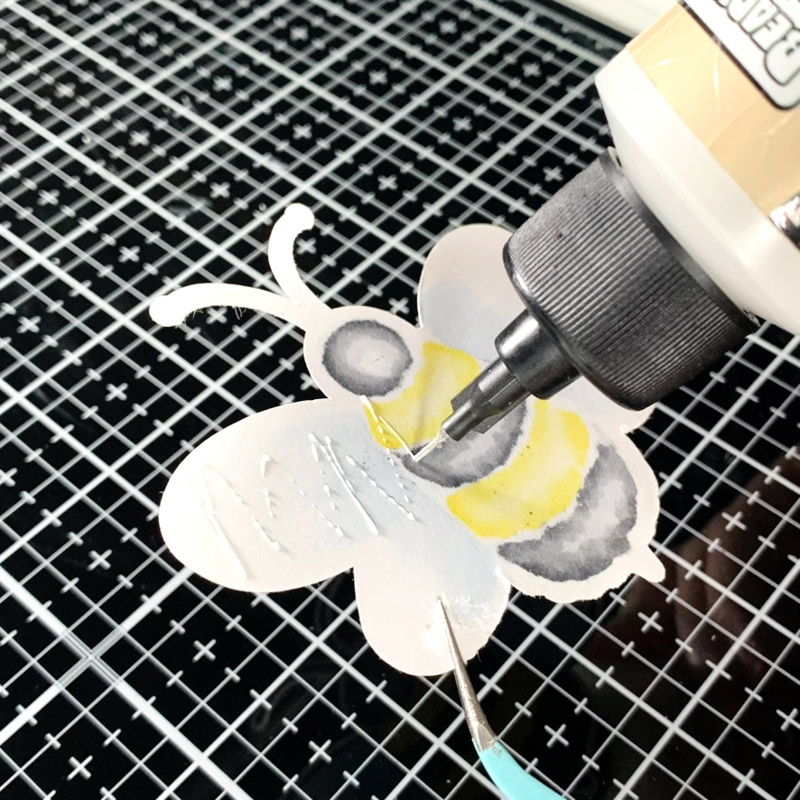
To finish off the card, I used liquid adhesive glue to adhere the bee image and sentiment to the card base.
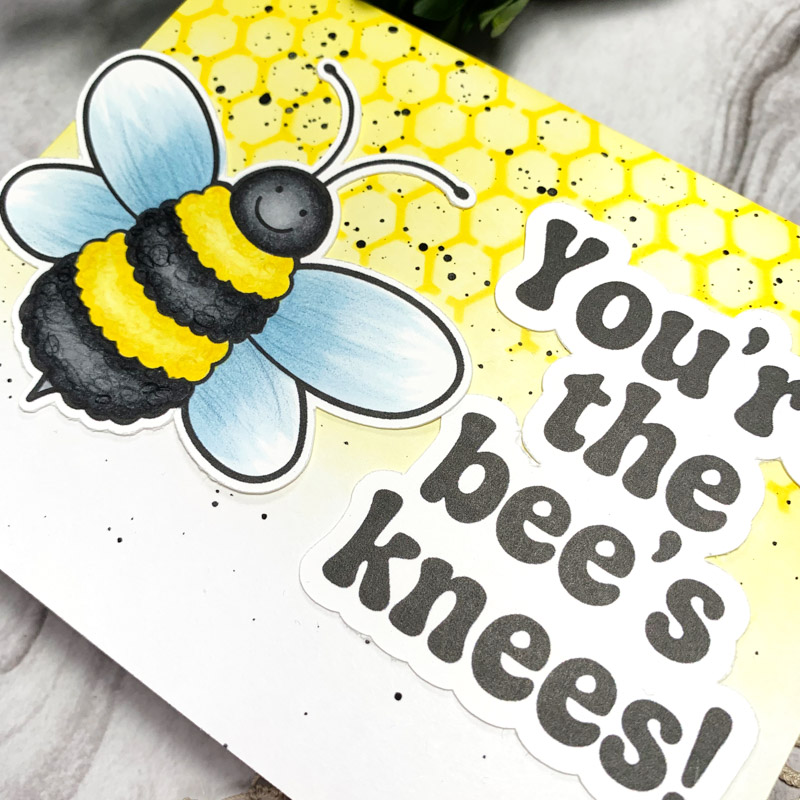
And there you have it! A simple little card perfect for reminding anyone that they are the ‘bee’s knees!’
Thanks for reading. See you next time!
Sasha
Products Used:
- Minibeast Parade Digital Stamp Set
- Ohuhu alcohol markers
- Prismacolor Premier coloured pencils
- Cricut Cutting Machine
- Cricut Design Space
- Liquid adhesive glue
- Printer
- Hammermill cardstock
- Honeycomb stencil
- Mustard Seed Distress Oxide
- Black acrylic paint


 Betsy’s ‘You Did It!’ graduation card
Leave a Reply